Customized Categories
Create and manage your own event categories.
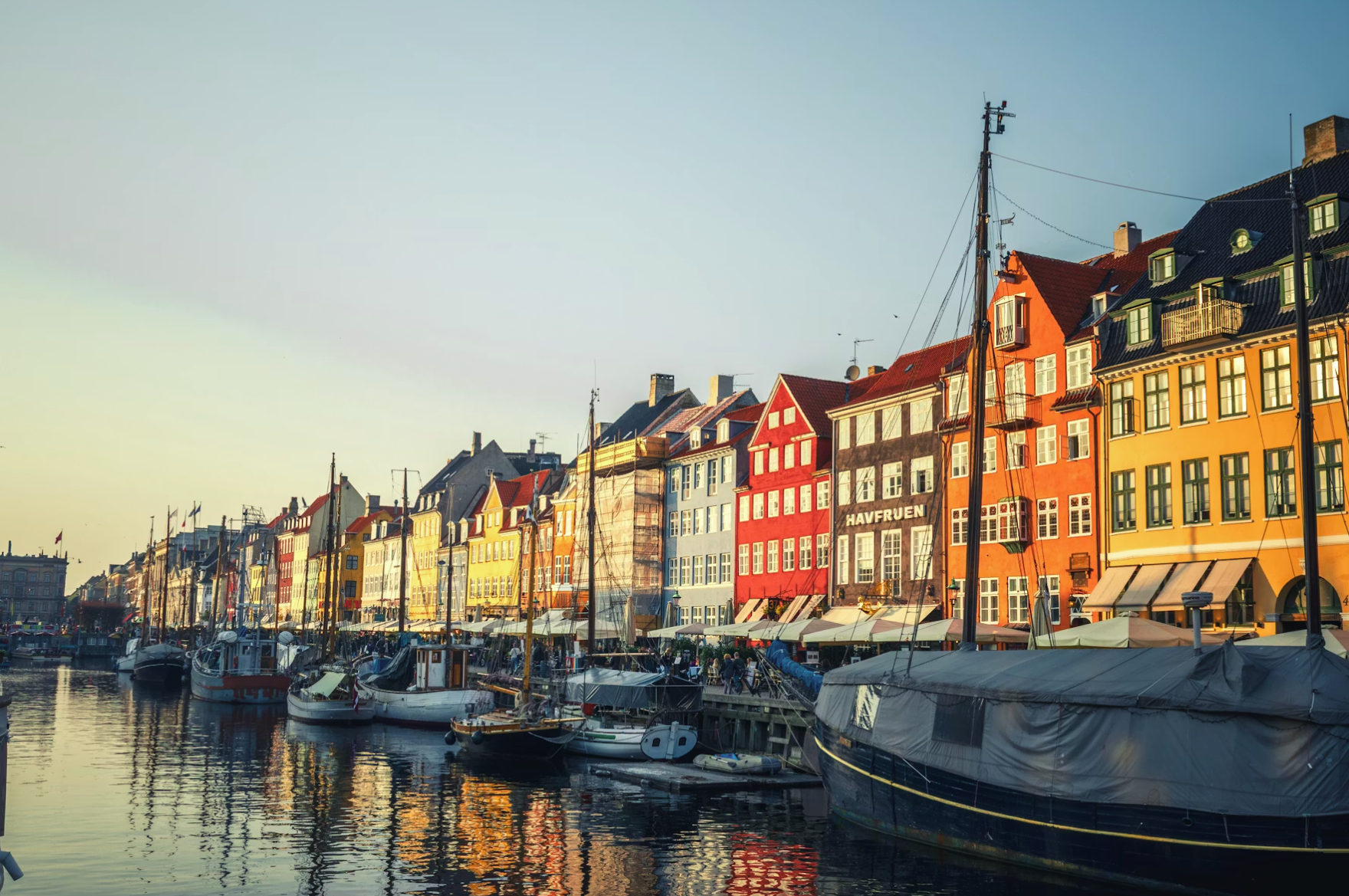
Your structure, your terminology
Every destination organizes events differently. Create the categories that make sense for your audience, manage them centrally, and adapt them over time as your needs evolve.
Better categories create better discovery
Categories influence how visitors browse, filter, and subscribe to content. A thoughtful category structure helps people find relevant events faster and increases engagement across your calendar.
Works seamlessly with Triple Tagging
Categories provide the foundation. Triple Tagging adds independent layers for geography and audience, making it possible to create highly targeted event experiences without increasing complexity.
Why it matters.
Create, rename, reorder, and archive categories at any time.
Categories power filtering, subscriptions, navigation, and event discovery.
Create a structure that reflects your city, not a generic template.
Combine categories with geography and audience targeting for richer event discovery.
Explore more from Cruncho.
Three layers of customizable tags so every event is findable, filterable, and organized exactly the way your visitors expect.
Learn more →Let organizers and admins find any event instantly — by status, venue, organizer, category, date, or free text.
Learn more →Let visitors subscribe to the event categories they care about — and get notified when new events match.
Learn more →100+ settings you control directly — from branding and categories to consent text and data retention — without opening a support ticket.
Learn more →Labels, spotlights, and featured placements make important events stand out in your calendar.
Learn more →Seen enough? Let's talk.
Book a demo. We'll show you the features that matter most for your city or destination.
Book a demoWant to keep exploring?
Try the live demo, watch video walkthroughs, or compare pricing.
