Anpassade kategorier
Skapa och hantera egna kategorier.
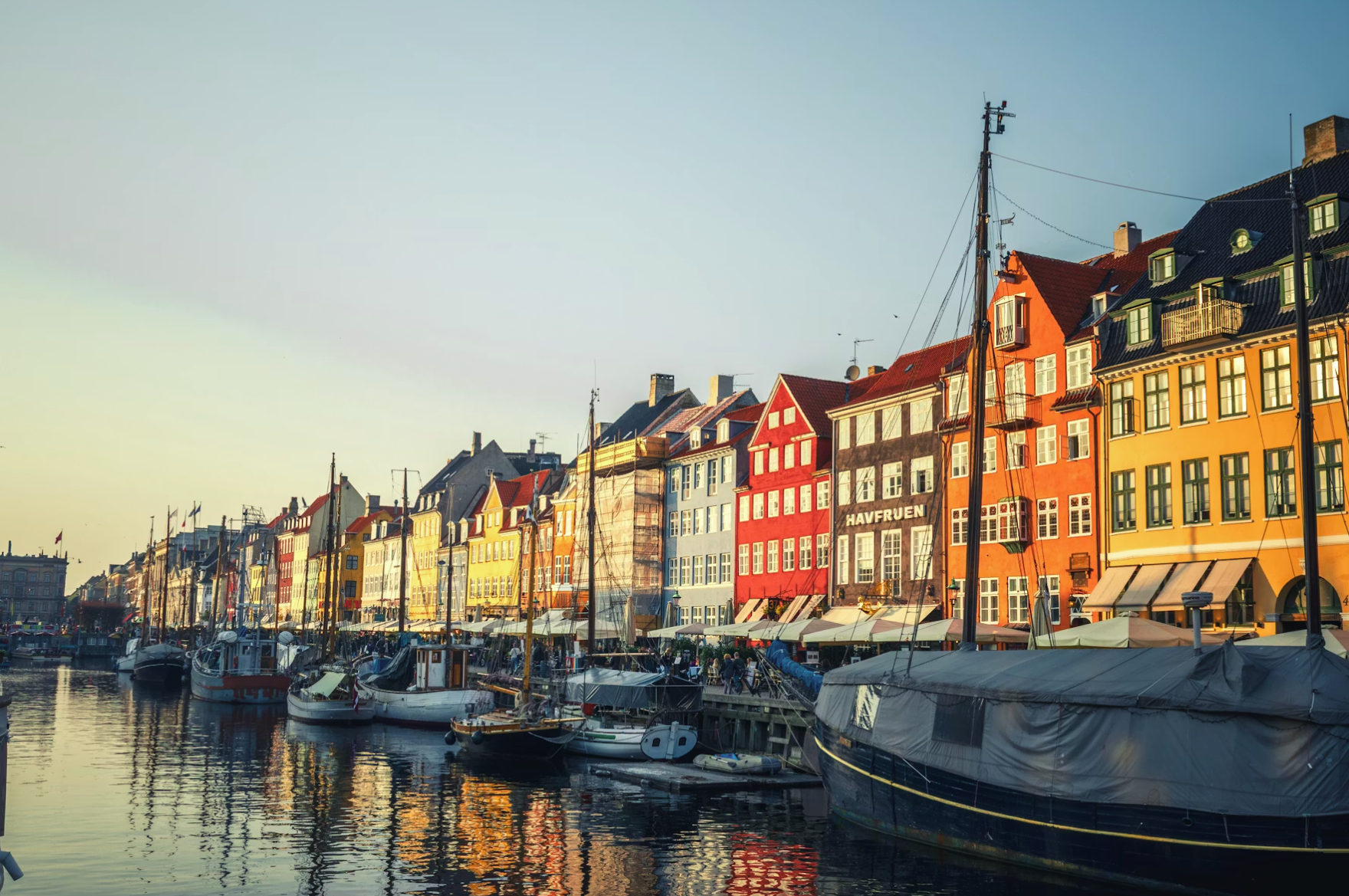
Er struktur, era begrepp
Varje destination organiserar sina evenemang på sitt eget sätt. Skapa de kategorier som passar er verksamhet, hantera dem centralt och anpassa dem över tid när behoven förändras.
Bra kategorier gör evenemang lättare att hitta
Kategorier påverkar hur besökare navigerar, filtrerar och prenumererar på innehåll. En genomtänkt kategoristruktur hjälper människor att hitta relevanta evenemang snabbare och ökar användningen av kalendern.
Sömlöst integrerat med Triple Tagging-systemet
Kategorier utgör grunden. Triple Tagging-systemet lägger till separata lager för geografi och målgrupp, vilket gör det möjligt att skapa mer träffsäkra evenemangsupplevelser utan att öka komplexiteten.
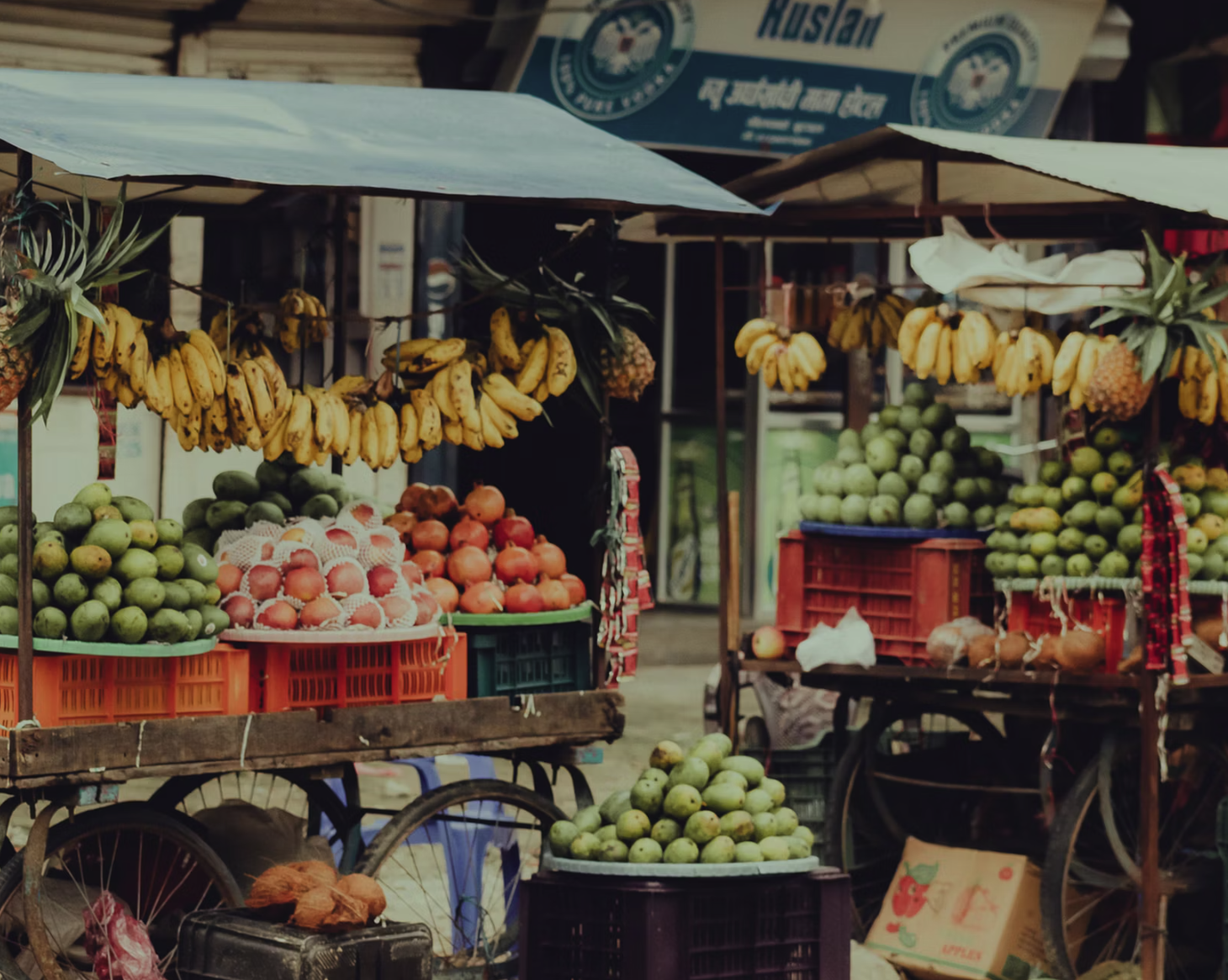
Därför är det viktigt
Skapa, byt namn på, organisera om och arkivera kategorier när som helst.
Kategorier används för filtrering, prenumerationer, navigering och upptäckt av evenemang.
Skapa en struktur som speglar er stad eller destination.
Kombinera kategorier med geografi och målgrupper för mer träffsäker evenemangsupptäckt.
Utforska mer från Cruncho.
Tre lager av anpassningsbara taggar så att varje evenemang är sökbart, filtrerbart och organiserat precis som dina besökare förväntar sig.
Läs mer →Låt arrangörer och administratörer hitta vilket evenemang som helst på sekunder – filtrera efter status, plats, arrangör, kategori, datum eller fritext.
Läs mer →Låt besökare prenumerera på de evenemangskategorier de bryr sig om — och få meddelande när nya evenemang matchar.
Läs mer →Hantera över 100 inställningar själv – från varumärke och kategorier till samtyckestexter och datalagring – utan att kontakta support.
Läs mer →Använd etiketter, utvalda placeringar och framhävningar för att ge viktiga evenemang extra synlighet i kalendern.
Läs mer →Redo att komma igång? Hör av dig.
Boka en demo och vi visar hur Cruncho kan fungera för din stad eller destination.
Boka en demoUtforska på egen hand
Prova livedemon, titta på videogenomgångar eller jämför prisplaner.
